
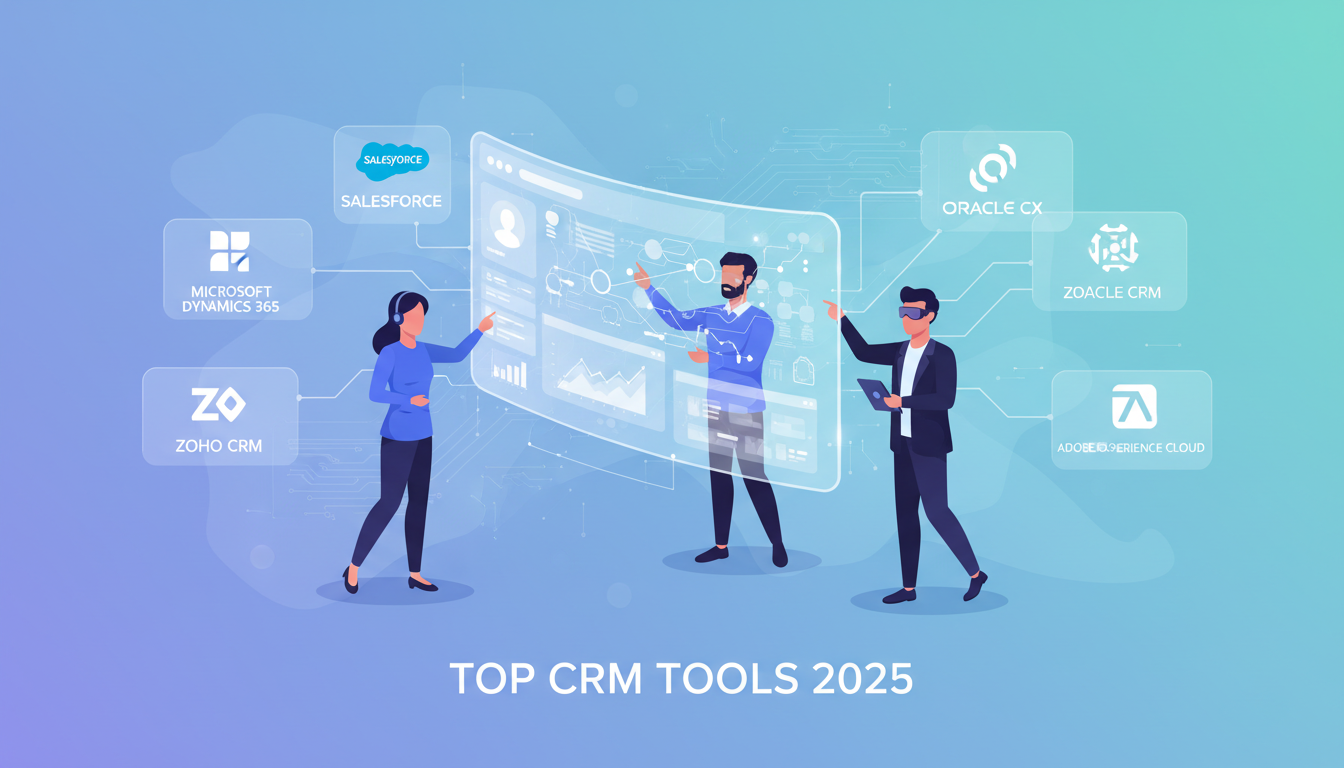
Customer Relationship Management (CRM) software has evolved from a simple digital Rolodex into the central nervous system of modern business. In 2025, a CRM is no longer just optional; it is the engine that powers sales, organizes marketing, and ensures customer satisfaction. Whether you are a startup managing your first 100 leads or an enterprise handling millions of data points, understanding how to leverage CRM examples effectively is the key to sustainable growth.
But what does a CRM actually do in practice? It’s easy to get lost in buzzwords like "automation" and "synergy." To truly understand the value, we need to look at real-world applications. This guide will walk you through practical use cases, the different types of systems available, and the top 15+ tools you should consider this year.
For businesses looking to implement complex custom solutions, partnering with top software companies is often the best route to ensure your CRM infrastructure is built to scale.
What is CRM Used For? (7 Real-World Examples)
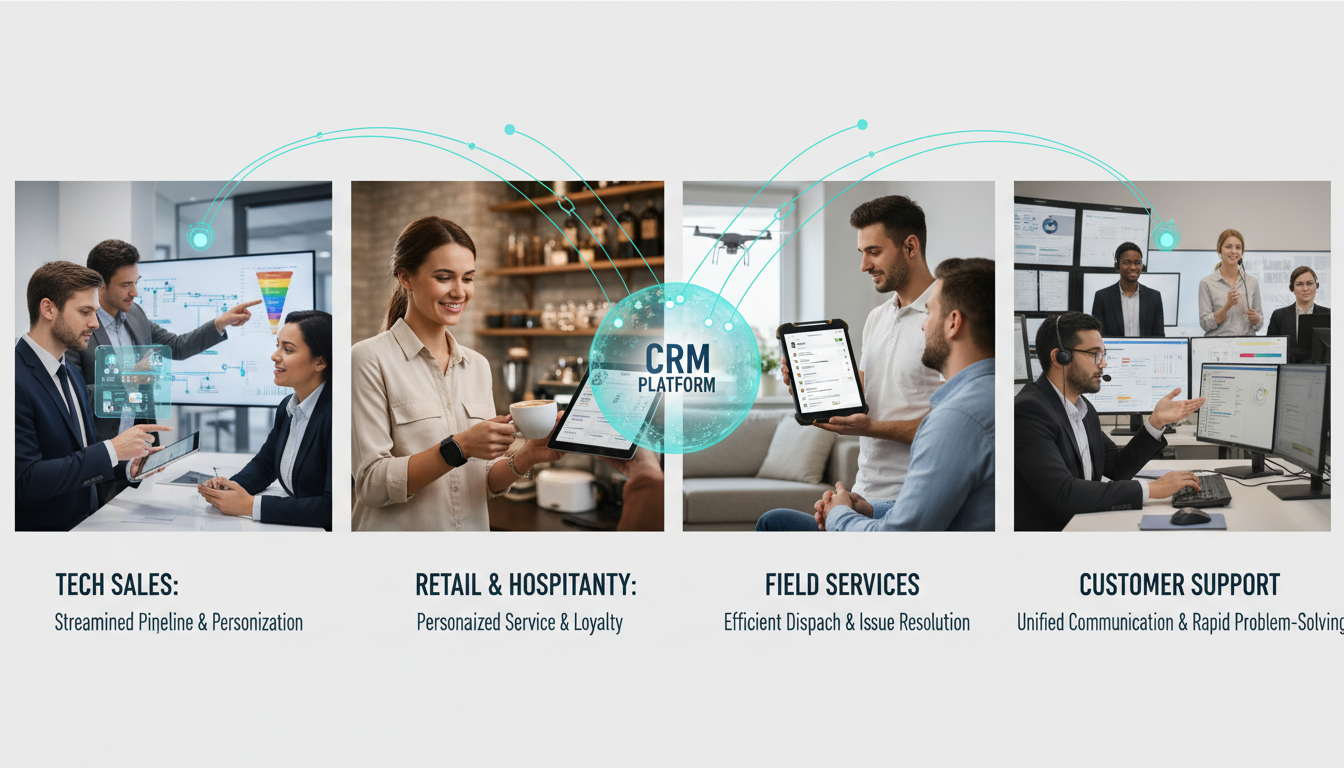
Many businesses buy a CRM but only use 10% of its capabilities. To get the maximum return on investment (ROI), you need to understand the full spectrum of its utility. Here are seven concrete examples of how CRM systems transform daily operations.
Example 1: Streamlining and Automating a Sales Pipeline
Imagine a sales team that receives 50 leads a day. Without a CRM, these leads sit in an email inbox or a spreadsheet. Some are called immediately; others are forgotten.
With a CRM, this process is standardized. When a prospect fills out a form on your website, the CRM automatically creates a profile for them. It assigns the lead to the appropriate sales representative based on territory or product interest. It then triggers an automated "Welcome" email. As the salesperson moves the deal forward—from "Qualified" to "Proposal Sent" to "Negotiation"—the CRM tracks every step. If a lead stalls in one stage for too long, the system alerts the rep to follow up. This ensures no potential revenue slips through the cracks.
Example 2: Managing Multi-Channel Marketing Campaigns
Modern customers interact with brands everywhere: email, social media, live chat, and search engines. Managing these channels in silos is a recipe for disaster.
A robust CRM acts as a command center for these interactions. For instance, a marketing manager can launch a campaign that targets users who visited the pricing page but didn't buy. The CRM can sync with email tools to send a discount code, while simultaneously serving ads to those same users on LinkedIn or Instagram. To execute this level of complex orchestration, many firms collaborate with digital marketing agencies that specialize in integrating CRM data with advertising platforms for seamless omnichannel experiences.
Example 3: Creating a Unified Customer Support Hub
When a customer calls with a complaint, nothing is more frustrating for them than having to repeat their story three times to three different agents.
In this CRM example, the system serves as a unified history of the customer's relationship with the company. When an agent picks up the phone or answers a chat, they immediately see the customer's purchase history, previous complaints, and even their billing status. If the customer tweeted a complaint yesterday and sent an email today, the CRM merges these into a single "ticket." This empowers support teams to solve problems faster and with more empathy, turning unhappy users into loyal advocates.
Example 4: Analyzing Customer Data to Find Opportunities
Data is useless if you cannot interpret it. Analytical CRMs harvest vast amounts of data—website visits, email open rates, purchase frequency—and turn them into actionable insights.
For example, a business might notice that 30% of its customers churn after six months. A CRM dashboard can highlight this trend, prompting the business to investigate why. Perhaps they need a re-engagement campaign at the five-month mark? By analyzing these patterns, businesses can forecast revenue more accurately. Many companies hire performance marketing agencies to audit this data and optimize their paid acquisition strategies based on high-value customer profiles identified in the CRM.
Example 5: Personalizing the E-commerce Customer Journey
In e-commerce, generic "blast" emails are becoming less effective. Consumers expect hyper-personalization.
A CRM allows an online store to segment customers based on behavior. If a customer buys running shoes, the CRM ‘knows’ not to send them promotions for high heels. Instead, it can trigger a cross-sell email for running socks or a hydration pack two weeks later. This increases Customer Lifetime Value (CLV). Specialized ecommerce agencies often help retailers set up these intricate flows, ensuring that the CRM talks perfectly to the inventory management and checkout systems.
Example 6: Improving Client Relationships with Regular Follow-ups
For service-based businesses like consultancies or real estate agents, the "product" is the relationship. A CRM acts as a personal assistant that never sleeps.
It can be programmed to remind an agent to call a client on their birthday or the anniversary of their home purchase. It can track when a contract is expiring in 90 days, prompting a renewal discussion. These small, timely touchpoints build immense trust and keep the business top-of-mind without the user having to rely on memory.
Example 7: Onboarding New Customers Effectively
The sale is just the beginning. The post-purchase experience dictates whether a customer stays or leaves.
A CRM can automate the onboarding sequence. Once a deal is marked "Closed-Won," the system can automatically send a welcome packet, schedule a kickoff call, and assign a Customer Success Manager. It can also track whether the new client is actually logging into the software or using the service. If usage is low in the first week, the CRM flags this risk so the team can intervene and offer help, ensuring successful adoption.
The 3 Main Types of CRM Systems Explained
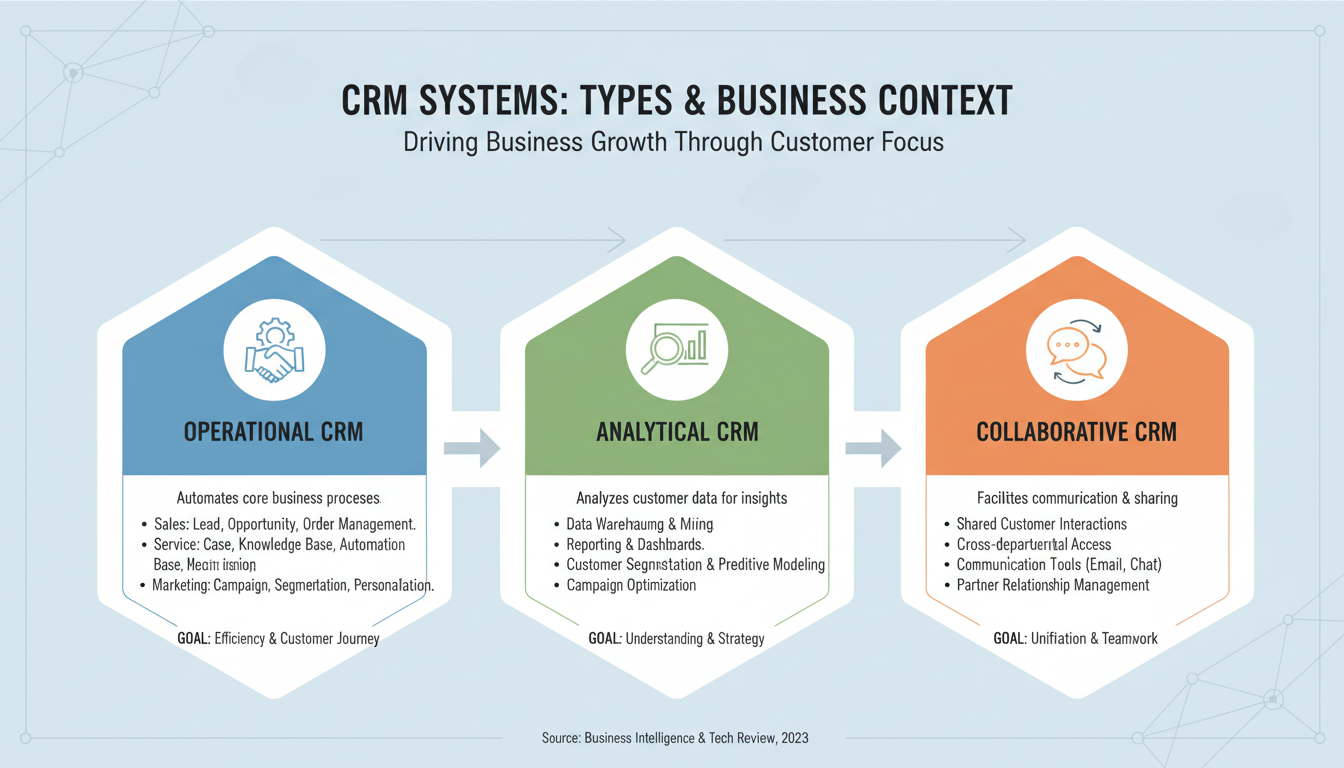
Not all CRMs are built the same. While most modern platforms offer a mix of features, they usually lean toward one of three primary categories.
1. Operational CRM
Focus: Automation of sales, marketing, and service. This is the most common type. Its primary goal is to generate leads, convert them into contacts, and provide the infrastructure to serve them. It focuses on the "front office" tasks—interacting directly with customers. Tools like HubSpot and Salesforce are prime examples here, handling everything from email automation to helpdesk ticketing.
2. Analytical CRM
Focus: Data analysis, reporting, and business intelligence. These systems work behind the scenes. They don't just store data; they mine it. They look for patterns in customer demographics, purchasing behaviors, and market trends. The goal is to help management make better decisions. If you need to know which marketing channel has the highest ROI or which region has the highest churn, an analytical CRM provides the answer.
3. Collaborative CRM
Focus: Sharing customer information across teams and departments. The goal here is to break down silos. In large organizations, the marketing team, sales team, and technical support team often operate on different islands. A Collaborative CRM ensures that when Sales closes a deal, Support knows exactly what was promised, and Marketing knows to stop sending "Buy Now" emails.
|
CRM Type |
Primary Focus |
Best Used For |
Key Feature Examples |
|
Operational |
Process Management |
Streamlining daily workflows in sales & support. |
Marketing automation, Sales pipeline view, Helpdesk. |
|
Analytical |
Data Insights |
Strategic planning and forecasting. |
Data mining, Customer segmentation, ROI analysis. |
|
Collaborative |
Communication |
Large teams needing unified customer data. |
Shared interaction history, Document management, Cross-team alerts. |
15 Top CRM Software Examples for Any Business
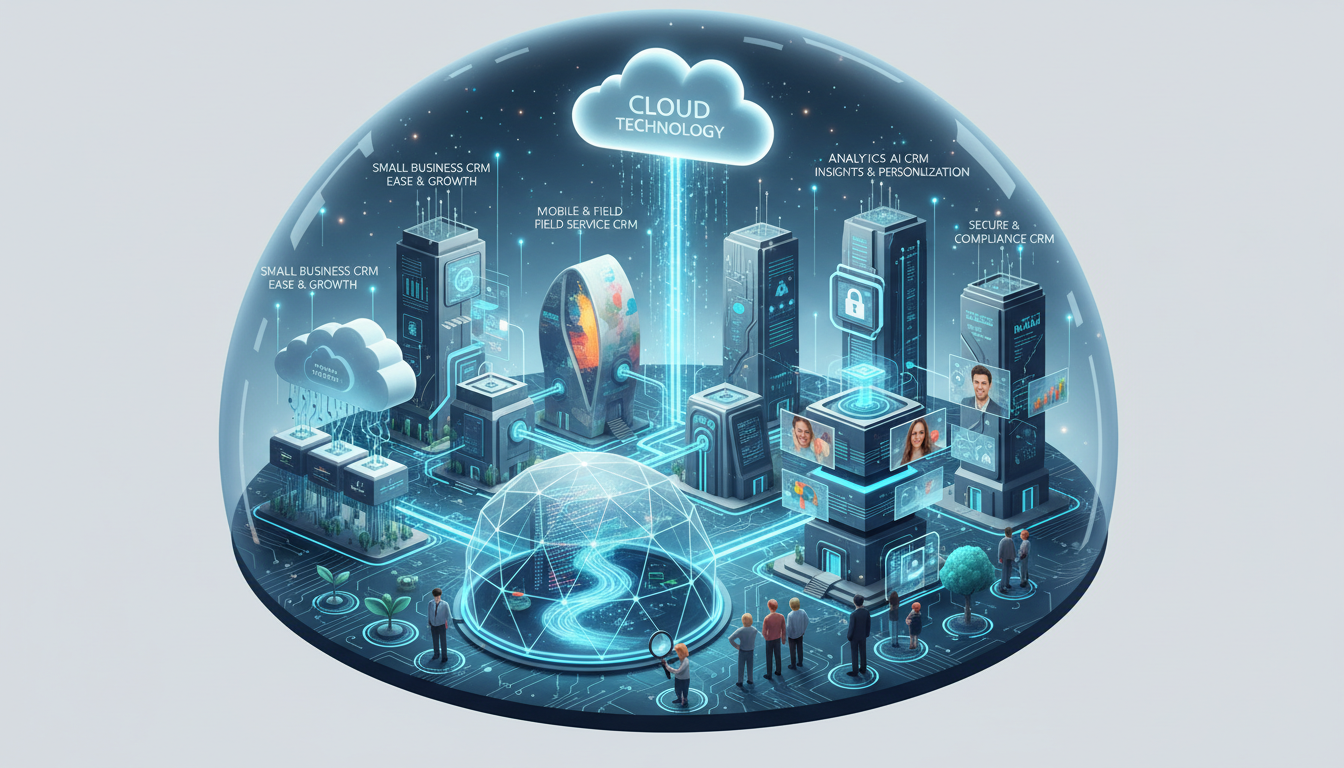
Navigating the market can be overwhelming. To help you narrow down your search, we have categorized the top 15+ CRM tools for 2025.
Best All-in-One CRM Platforms
These are the heavy hitters—powerful, scalable, and packed with features for sales, marketing, and service.
Salesforce Sales Cloud: The industry giant. Highly customizable and integrates with almost everything. Best for enterprise-level needs.
HubSpot CRM: Famous for its ease of use and "freemium" model. It offers incredible marketing automation and content tools alongside sales features.
Zoho CRM: A comprehensive suite that is often more affordable than Salesforce. It integrates seamlessly with the vast Zoho ecosystem (email, docs, finance).
Microsoft Dynamics 365: Perfect for organizations already deep in the Microsoft ecosystem. It offers powerful AI insights and enterprise-grade security.
Oracle NetSuite CRM: A strong choice for companies that need their CRM to be tightly woven into their ERP (Enterprise Resource Planning) and financial systems.
Best CRM Examples for Small Businesses
These tools prioritize simplicity, affordability, and quick setup.
Pipedrive: Built by salespeople for salespeople. It is visual, intuitive, and focuses entirely on moving deals through the pipeline.
Monday.com CRM: Technically a Work OS, but its CRM template is fantastic for small teams who want a colorful, customizable way to track leads.
Freshsales (Freshworks): Offers a clean interface with built-in phone and email capabilities, making it great for teams that communicate heavily.
Insightly: excellent for businesses that need to manage projects after the sale is made. It blends CRM with Project Management.
Less Annoying CRM: As the name suggests, it strips away complex features for a straightforward, affordable contact manager designed for very small teams.
Best CRM Examples for Sales-Focused Teams
When the only goal is aggressive growth and cold outreach, these tools shine.
Close: Designed for high-volume sales. It has built-in power dialers, SMS, and email sequences specifically for closing deals fast.
Keap (formerly Infusionsoft): A powerhouse for automation. It is ideal for service providers who want to automate their appointment scheduling and follow-up entirely.
Zendesk Sell: While Zendesk is known for support, their "Sell" product provides great visibility into sales pipelines and integrates perfectly with support tickets.
Other Top CRM Tools to Consider
Bitrix24: A collaboration platform that includes a CRM, website builder, and internal social network. Good for remote teams.
Copper: The only CRM designed specifically for Google Workspace. If you live in Gmail, this tool integrates so well it feels native.
SugarCRM: Known for flexibility and offering an on-premise solution for companies with strict data hosting requirements.
How to Choose the Right CRM for Your Business
With so many options, how do you pick? Don't just go for the most famous name.
Start by identifying your main goals. Are you trying to fix a leaky sales funnel? Do you need better customer support ticketing? Or do you just need a place to store contacts? Define the problem before buying the solution.
Consider your budget and long-term costs. Many CRMs charge "per user, per month." This looks cheap for 2 users but can become expensive for 50. Also, look out for hidden costs like implementation fees or paid add-ons for essential features.
Look for essential integrations with your existing tools. If you use Gmail, Outlook, Slack, or Mailchimp, your CRM must integrate with them. Data entry is the enemy of CRM adoption; integrations automate that work.
Prioritize ease of use to ensure team adoption. The best CRM is the one your team actually uses. If the interface is clunky or overly complex, your sales team will go back to using spreadsheets.
Always start with a free trial or demo. Never sign a yearly contract without testing the software. Run a pilot program with two or three users to test the workflow.
Frequently Asked Questions
What are the 4 main examples of CRM?
While we discussed three main types (Operational, Analytical, Collaborative), the industry sometimes categorizes CRM examples by their strategic focus:
Strategic CRM: Focused on long-term customer retention.
Operational CRM: Focused on daily processes (Sales/Service).
Analytical CRM: Focused on data processing.
Collaborative CRM: Focused on partner and departmental interaction.
What is the most popular CRM software?
Salesforce generally holds the largest market share globally for enterprise customers. However, HubSpot is arguably the most popular for small-to-medium businesses (SMBs) due to its user-friendly interface and free entry-level tools.
Can I use Excel as a CRM?
Technically, yes, you can start with Excel or Google Sheets. For a very small business (e.g., a freelancer with 10 clients), it works. However, Excel cannot automate emails, record calls, remind you to follow up, or secure your data with user permissions. As soon as you have more than one person talking to customers, Excel becomes a bottleneck and a security risk. Moving to a dedicated CRM is usually recommended once you pass the "solopreneur" stage.